
Sony has not yet announced official details regarding the development of the next-gen console, but all markers indicate that the new PS6 is coming sooner rather than later, with all the investments ramping up in the fiscal year starting April 2027. All leaks point to a possible late 2027 or 2028 window release, so it would be reasonable to treat this data as the new chapter for the PlayStation console. That’s why it’s important to prepare your PS5 for the future transfer methods and PS Plus features, if you do plan to purchase PS6.
In this article
Prepare your PlayStation account and save data
Since all your digital library, trophies, purchases, and cloud saves are tied to your PSN account, it’s the most important aspect of your console that you need to protect. Here’s how:
- Confirm you can sign in and update your recovery email, phone number, and security questions.
- Don’t create a new account in anticipation of PS6, but stick with your old one.
- Enable 2-step verification if you haven’t already.
- Review any linked payment and family sharing methods.
But most importantly, you have to make sure that all your save data is safe. Since you can’t copy your PS5 saves to a USB drive, unlike most PS4 saves, the best option would be to use PlayStation Plus cloud storage, which is available on Essential and higher tiers:
- Go to Settings, Saved Data and Game/App Settings, Saved Data.
- Enable Sync Saved Data and Auto-Sync Saved Data.
- You can also manually upload your most valuable saves to Cloud Storage.
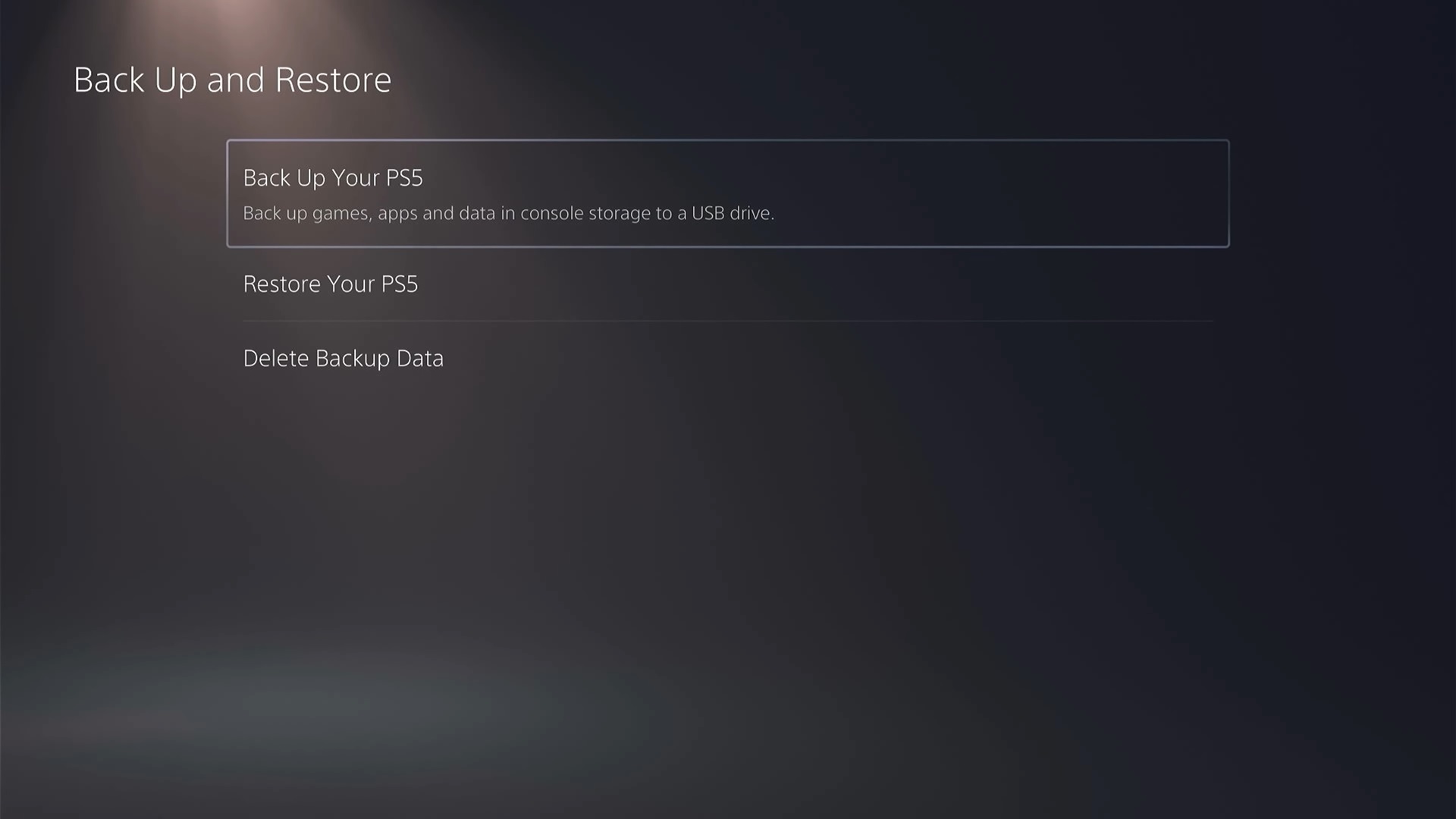
Lastly, you can create a full system backup on a FAT32 or exFAT USB drive, just to be extra safe. Then, go to Settings, System, System Software, Back Up and Restore, Back Up Your PS5.
Manage your game library, storage and controllers
Once your save data is securely backed up, you can delete games that you rarely play and free up space for any new games that you wish to claim or play. Since Sony will end the production of physical PlayStation game discs around January 2028 for new games, this increases the likelihood that next-gen will be fully digital. Here’s why an external SSD drive for keeping your game library is so important.
However, you should still keep all your physical discs, since the latest rumors suggest that the PS5 detachable disc drive might be usable on the next-gen hardware, although this is unconfirmed. In any case, a new external disc drive will most likely be introduced for the next-gen console, so there’s still a future for many physical copies of your games.
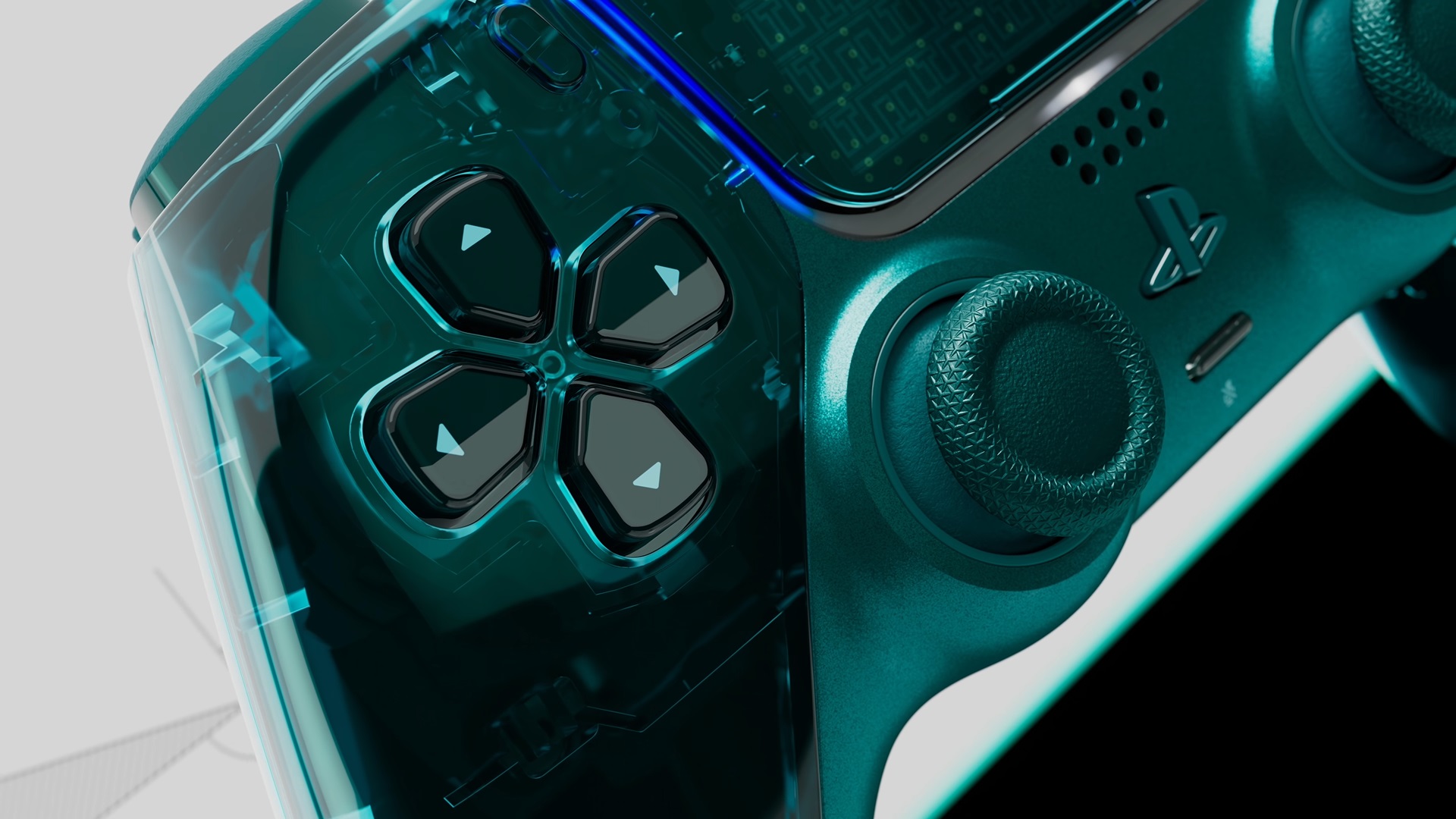
Based on current leaks and reports, DualSense and DualSense Edge controllers are also expected to remain fully compatible, while compatible headsets, PSVR2, PS Portal, and other official accessories should continue to work, too. What’s important is to keep your firmware updated for controllers and accessories in the Settings, System, System Software menu. But most likely, Sony will introduce a new type of next-gen controller during the official announcement of a console.
What to expect and avoid during the transition period
At this stage, you need to make sure that you maintain an active PS Plus subscription if cloud saves matter to you, keep your PS5 console updated and trophies synced, and preserve your physical discs and your account credentials. Here’s what you should avoid doing:
- Do not rush out to buy new SSDs, controllers, or other hardware solely for future-proofing.
- Do not reset or sell your PS5 without completing backups and cloud uploads.
- Do not assume that all of your old accessories will be compatible with the next-gen console.
When the new console finally launches, the transfer process will most likely look like this:
- Update both your consoles to the latest software.
- Sign in with the same account.
- Use network data transfer or cloud storage for games, saves, and settings.
- Re-download digital titles from your game library that you intend to play.
- Use physical discs if the new hardware supports them.